
Info hints in vizzy diagrams
hint attaches a small badge to a node, edge, or group: an (i) for an inline note,
or an open-arrow when the destination is a file link. Hovering shows a markdown preview
(or Open: {title} for a link). Clicking opens a new window. Hints keep diagrams clean
while linking to the detail behind a box.
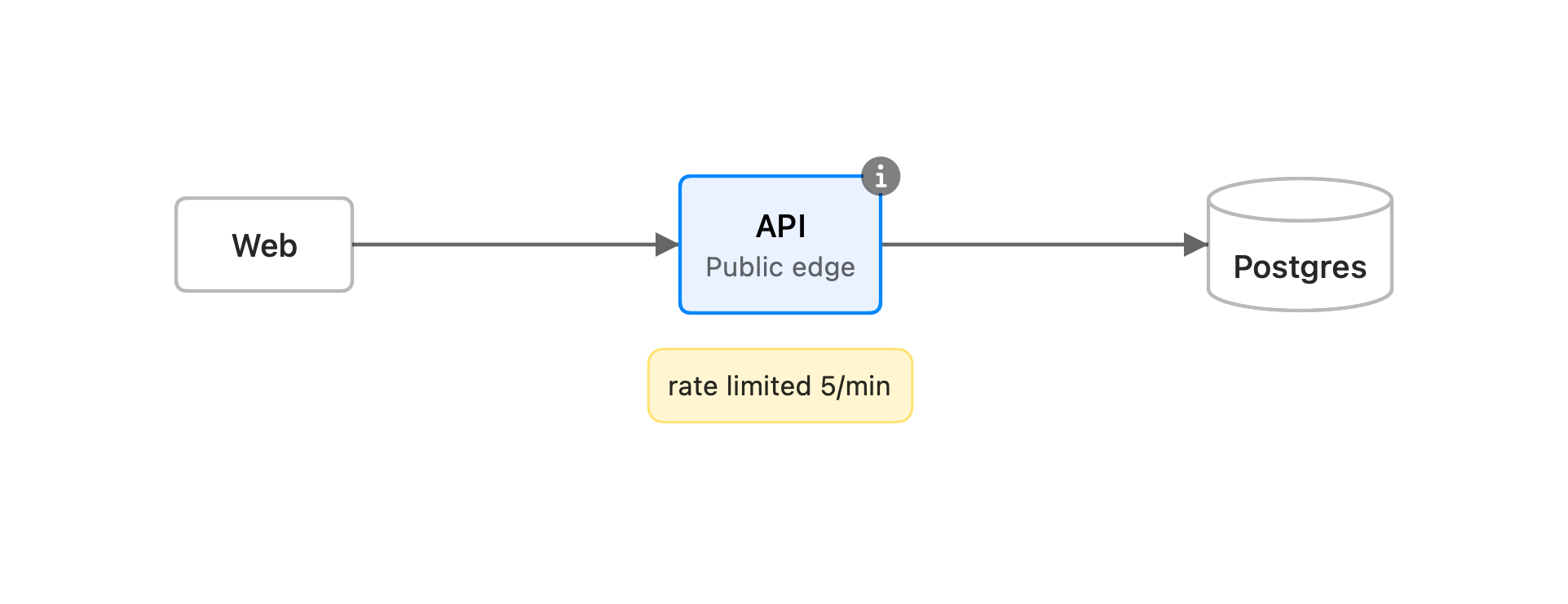
The API node above has all three annotations at once: a desc subtitle, a yellow
note, and the (i) hint badge.
Syntax
Section titled “Syntax”The value is a markdown link. A quoted destination is inline markdown. A path links to a file:
hint api: [Rate limit]("Token bucket, **5 req/min**, refilled per second.")hint api: [Runbook](../runbooks/rate-limiting.md) # a .md file, rendered as markdownhint api->db: [Schema](db.vizzy.md) # a .vizzy.md, opened as a diagram- Quoted destination: inline markdown, shown in the hover preview and the window. The
badge is an
(i). - A path: a file.
.mdis rendered as markdown;.vizzy.mdis opened as a diagram. Paths resolve relative to the document’s folder. The badge is an open-arrow, and hovering showsOpen: {title}.
Subjects
Section titled “Subjects”The subject is a node id, a group id, or an edge written as A->B (the same
form as the payload directive). A group’s badge sits next to its title. Two hints on
the same subject merge: the inline one becomes the hover preview, and the file one becomes
the click target.
Some diagram types address their parts by label instead of id:
- Sequence combined fragments: by keyword plus condition, for example
hint loop up to 3 tries: …orhint alt approved: …. The badge sits at the fragment’s top-right. - Timeline periods: by time label (
hint 2023: …). Journey steps: by task label (hint Pay: …). - Quadrant chart points: by label (
hint Campaign A: …). The plotted marker itself is the hover and click target, so no(i)badge is drawn.
Toggling
Section titled “Toggling”Use the eye button in the app’s toolbar to show or hide all hint badges at once.