
Flowchart diagrams
Use a flowchart for branching logic: decisions, steps, and the paths between them.
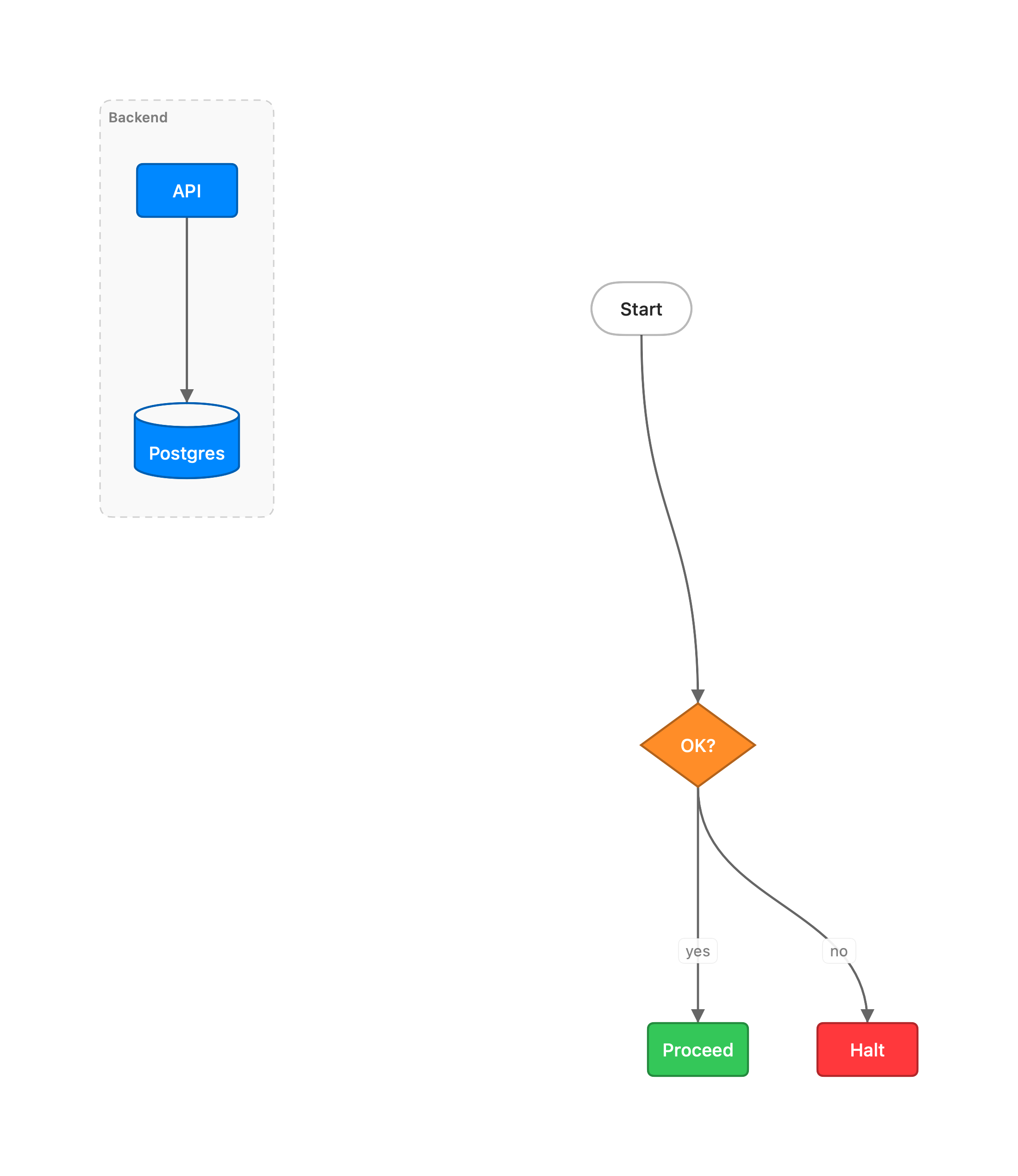
flowchart TD start([Start]) --> ok{OK?} ok -->|yes| go[Proceed] ok -->|no| stop[Halt] subgraph Backend api[API] --> db[(Postgres)] endShapes: [rect] (rounded) ([stadium]) [[subroutine]] [(database)] ((circle))
{diamond} {{hexagon}} >banner] (asymmetric/flag) [/parallelogram/] [\alt\] (mirrored
parallelogram) [/trapezoid\] [\alt/] (trapezoid variants) (((double circle))). Links:
--> --- -.-> ==> <--> <-- (reverse) --o --x (circle / cross arrowhead) o--
x-- (glyph at the source end) o--o x--x (glyph at both ends) ~~~ (invisible, for
layout). Labels go in -->|text| or inline as A -- text --> B. Chain several nodes at
once with A & B --> C & D.
flowchart TB / LR set the flow direction. BT (upward) and RL (leftward) are the
reversed variants. TD is an alias for TB. subgraph Name … end groups nodes.
subgraph id[Title] gives the group an explicit id, so a desc /
pos / style directive can target it by name instead of a positional group0.
Labels are plain text. Do not put HTML in them. vizzy tolerates <br> so pasted Mermaid
still renders, but a desc subtitle is better. Other tags
(<sub>, <span>, …) render literally. There is no thick bidirectional edge, so write
<-->, never <==> (which creates a stray node). vizzy lint flags both.
Flowcharts are the only diagrams that accept Mermaid styling
(style / classDef / class / :::). linkStyle (edge styling) is also flowchart-only.